Count down timer for events, panel discussion, conference
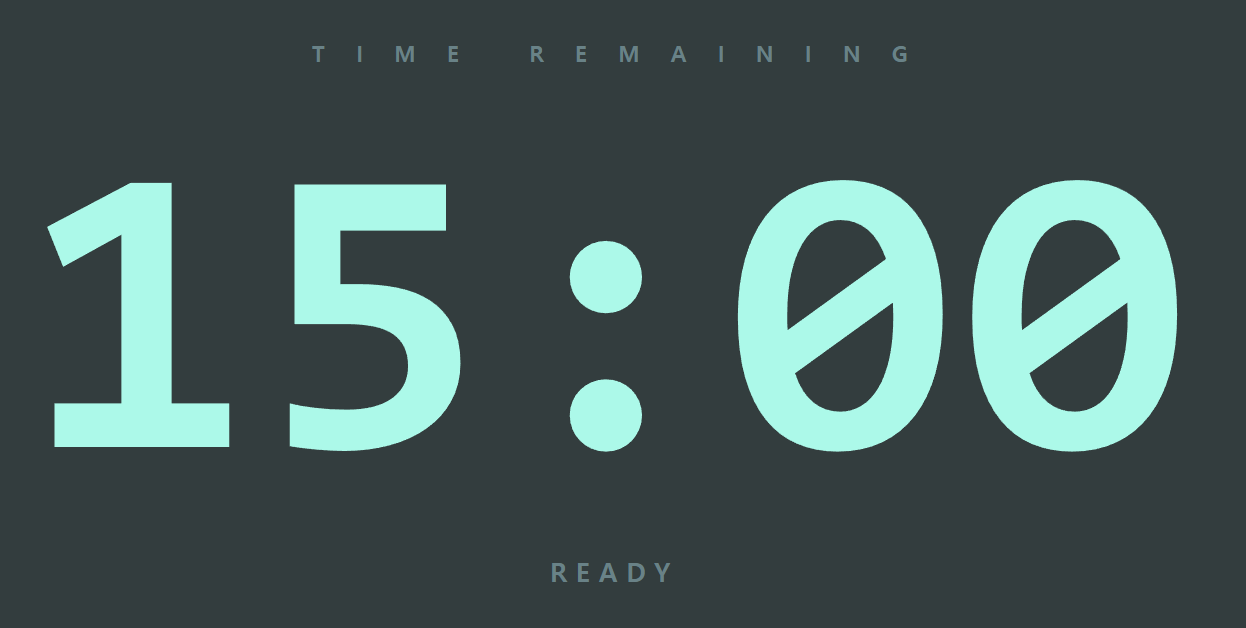
A professional, browser-based stage timer for panel discussions, presentations, and live events
Built for event organizers who need clean, reliable timekeeping on a stage-facing monitor. After 15 events during the first half of year 2026, it was about time our team has a professional time management tool then holding up laminated 1 minute left cards from the corner.
Open one link, press fullscreen, and you have a large, legible countdown that speakers can read from anywhere on stage. When a session runs long, the screen makes it impossible to miss — and a second person can control everything from their phone, from anywhere in the room.

Click and open the timer
What it does
The timer runs entirely in a web browser. Connect a laptop to your stage monitor over HDMI, open the timer, and you're ready. Everything below works offline; only the optional phone remote needs an internet connection.
Key functions
Flexible time setting Choose from one-tap presets (5, 10, 15, 20, 30, 45 minutes) or enter any custom duration down to the second.
Start, Stop, and Reset Full transport controls on screen, plus keyboard shortcuts — Space to start/stop, R to reset — for fast operation from the laptop.
Add time on the fly Extend a running session instantly with +1, +5, and +10 minute buttons, or add any custom amount. Ideal for lively panels that deserve a few more minutes.
Clear visual warnings The display shifts to a subtle yellow in the final minute, then to red once time expires — a calm, unmistakable signal to the speaker without a jarring alarm.
Overtime tracking If time runs out and the timer isn't stopped, the screen keeps counting upward (+MM:SS) with a large "Please wrap up" message, so everyone can see exactly how far over the session has gone.
Remote control from a phone A second person — a timekeeper, stage manager, or moderator — can control the timer from their phone, from anywhere. Press "Remote" on the display to reveal a pairing code and a scannable QR code; the phone then shows a live mirror of the timer and full controls (start, stop, reset, add time, set duration). The laptop and phone stay in sync in real time.
Three display themes Switch between Basic, Dark, and White themes to match the room, lighting, and stage design.
Optimized for ultrawide monitors Designed for large, wide (3440 × 1440) stage displays, with a full-width progress bar along the top edge and digits scaled to fill the screen without clipping.
Distraction-free by design On-screen controls and the cursor fade away automatically while the timer runs, leaving only the clean countdown for the audience and stage.
Setup in under a minute
- Connect your laptop to the stage monitor via HDMI.
- Open the timer link of file in any modern web browser and press F11 for fullscreen.
- Set your duration and press Start.
- (Optional) Press "Remote" and scan the QR code from a phone to hand control to your timekeeper.
No software to install. No sign-up. Works on Windows and Mac.
Designed by Yeop Kim.
If this saves you time on event day, you can support future updates here:
Please send me an email if you need the html file.
Version note
current version is version4 as of 2026-07-18
Member discussion